It's been a minute. After five years of striving to transfer into a university, I finally got into a Computer Science BS program. I was happier than I'd ever been when I arrived, and more miserable than I'd ever been by the end of the first month. Between tuition, living costs, and the need to work 20 hours a week to get by, the situation just wasn't sustainable long-term and I made the difficult decision to move back around Halloween this year.
Since I already have an IT AAS and learn best through hands-on experience, I decided to return to my hometown to progress my career through self-teaching and work experience rather than a Bachelor's degree. The experience dampened my passion for about a month after getting home, but reflecting on the path that led here has helped me reclaim it.
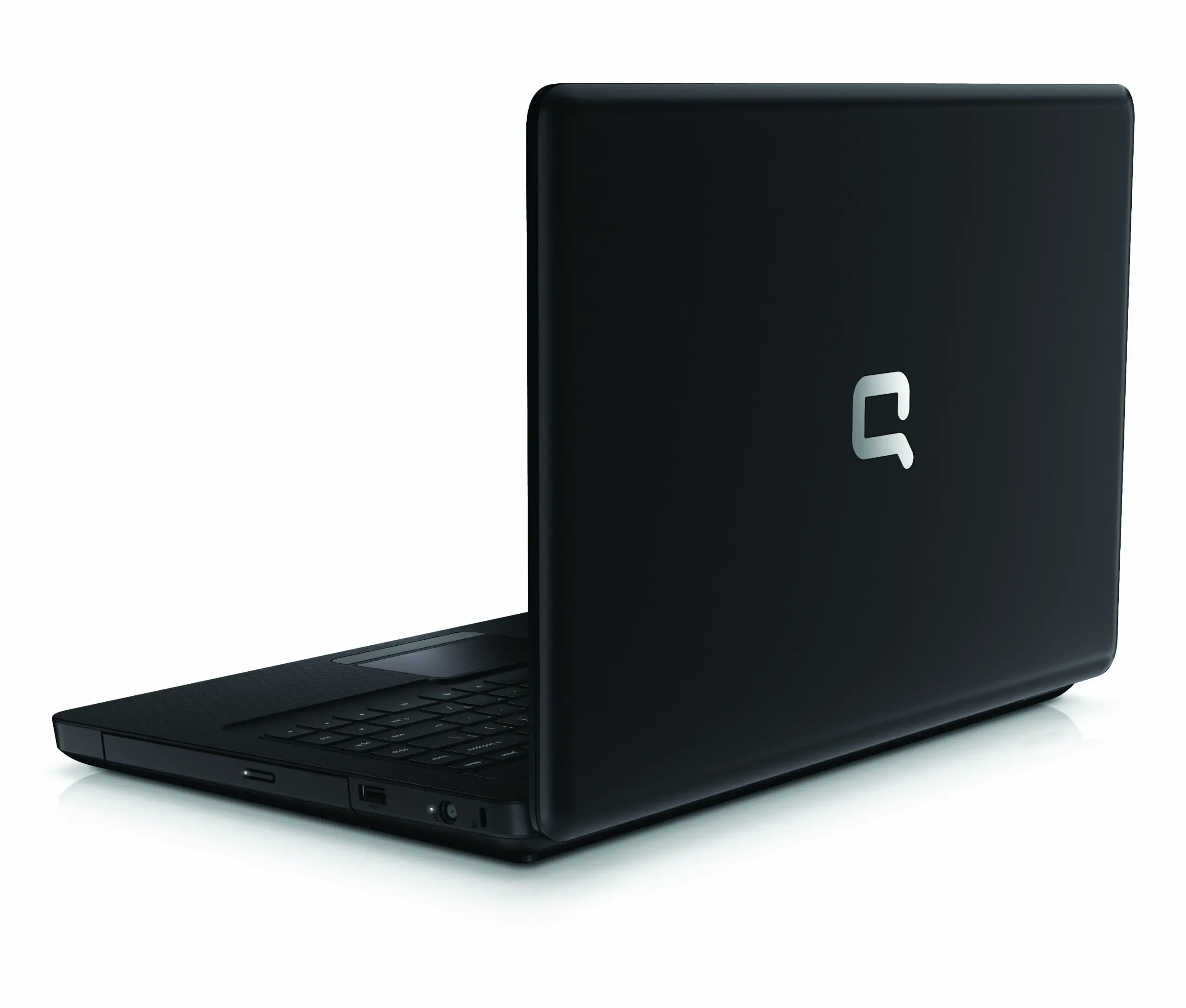
My sister and I got our first computer when I was 10 (2011), a used Compaq Presario CQ56:
Not exactly a powerhouse. On every boot, I'd be greeted by a friendly message:
HP Battery Alert

The system has detected the storage capacity of the battery stated below to be very low. For optimal performance, this
battery may need to be replaced
A bad battery that equated to about 30 seconds of life when not plugged in, lots of running when we needed to move from one part of the house to another.
Our upgrade budget: $0.00
As with most kids, my sister and I were pretty naive with the internet. Within a month of us having the laptop, we had accumulated our share of desktop adware and so many browser toolbars that you could hardly see the viewing area. I realized that most of these came from our use of tools like Softonic Downloader, which would encourage the user to download adware along with the intended program. This prompted me to learn how to uninstall programs through the control panel, but this was not quite enough. Some of these unwanted programs didn't actually uninstall when the uninstaller was run, and had to be manually deleted from 'Program Files (x86)' or %APPDATA% ($HOME\AppData\Roaming).
Due to the limited resources of the laptop, realtime virus scanners would have crippled performance. Tools like Norton would hook a number of syscalls related to process creation and file access among other things: this often slowed low end systems to a crawl.
Instead, I opted to run a Malwarebytes scan each morning that I used the laptop.
In the Windows 7 era, vendor bloatware was at its peak. This model fortunately shipped with only a few optional HP services and practically no trialware, so there wasn't much to remove.
Like most children, I enjoyed excessively violent crime games like Grand Theft Auto IV and Saints Row The Third: things that this fossil had no business running. On my first attempt, I wasn't even cracking double digit FPS. I have never been someone to be deterred by petty things like reality, so I insisted that I could get console level performance out of these titles with enough effort.
It is not controversial to say that Windows includes a lot of nonessential services for the average user. Since we only used the machine for web browsing and gaming, there were plenty of operating system services that we could disable:
Among other things, the System Configuration utility (msconfig) in Windows can be used to manage startup applications. In my experience, most applications that want to launch on startup don't actually need to and can be omitted to lessen boot times.
Tasks at higher priority levels are scheduled before lower priority ones when competing for CPU time, similar to Linux niceness. The priority level for a task can be set in the task manager. The highest priority level, Realtime, should not be used for games as it gives the process precedence over most system threads: this often causes instability.
This laptop was quite prone to hanging and crashing when running intensive applications like browsers, which I attributed to the meager 2GB RAM. When RAM fills, Windows moves inactive memory pages to a file (pagefile.sys) on the drive containing the operating system. This is very similar to how Swap memory functions on Unix operating systems. Since it lived on an HDD, SSDs were rare at the time, the pagefile was considerably slower than RAM itself.
Windows expands the pagefile as needed by default, but needing to allocate disk space to grow it could be painfully slow. For this reason, many users with only 1-2GB RAM would set the pagefile to a fixed size of 1.5 or 2 times their RAM size. Due to improvements in memory management on Windows and higher average RAM, letting Windows manage the pagefile is sufficient.
Windows Aero was a much more massive resource hog than consumers anticipated, and one of the first steps to improving performance on a low spec PC in the 2000s was to disable it by switching to the non-Aero theme Windows Classic. I believed at the time that the uglier something looked, the better it would run: Linux would teach me otherwise in the following year.
Additional performance-affecting compositor features that can be disabled are found in the Visual Effects settings under Advanced System Settings. I have always opted to disable all except the following:
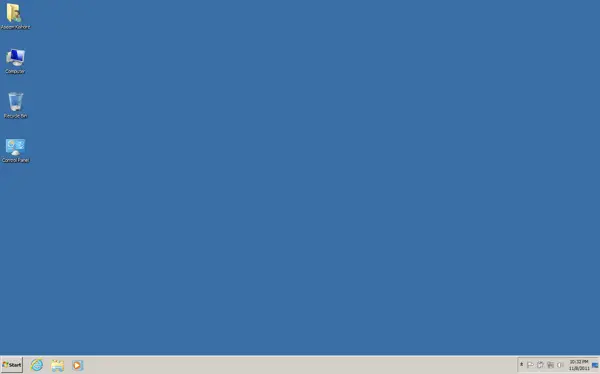
I also chose to uncheck 'Show Desktop Icons' under the view section of the desktop context menu. This is insignificant on modern hardware, but I was already dealing with around 3 minute startup time and wanted any way to reduce it.
For a variety of reasons, a file might not be stored in one contiguous piece on disk. Defragmentation is the process of reorganizing files back into contiguous blocks and consolidating free space. This doesn't matter much on flash memory like SSDs, but on HDDs this meant that the read head had to jump around to read a single file, which reduced speed.
On HDDs, having a nearly full hard drive leads to performance degradation and instability: Microsoft has included a remedy for this since Windows 98. The Disk Cleanup utility provides an interface to free disk space by deleting potentially unwanted files, including:
Windows has stored its low-level configuration values in a hierarchical database called the Registry since Windows 3.1. Some programs that modify the registry on installation do not undo those modifications when they are uninstalled, leaving orphaned keys. Piriform's CCleaner was a popular utility that included functionality for removing these orphaned keys, but Microsoft themselves have warned against using such programs as you're more likely to break your Windows install by accidentally deleting something important than get any noticeable performance increase. A lot of low end PC users made use of this back in the day, but just don't.
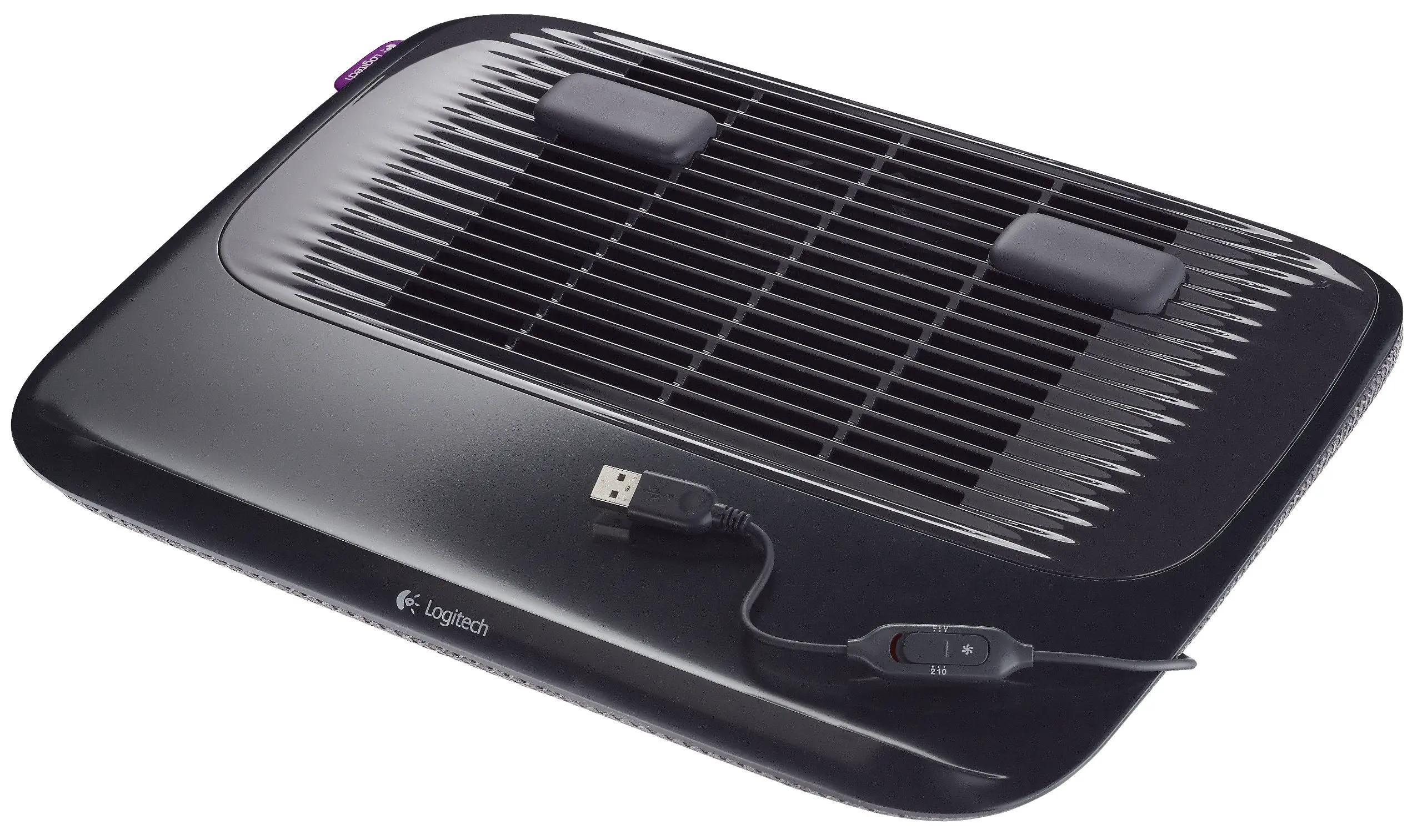
Anyone who has run intensive tasks on a laptop knows they can get exceptionally hot, this model of Compaq was no exception. CPUs and GPUs are designed to throttle performance when temperature begins exceeding safe bounds, which is something I couldn't afford with the poor performance I was already getting. Luckily, I got a hold of a cheap cooling pad that limited temperatures from scorching to smoldering and would intentionally game in the coldest room of the house.
After all of that effort, I was still getting around 13 FPS in Grand Theft Auto IV at lowest settings. It is important to note that this PC port is considered one of the worst in gaming history thanks to a long list of issues. The original release of the game, the version I had, had an unstable DRM implementation via Games For Windows Live which was a common cause of crashes. It also ran notoriously bad on hardware of the time due to being heavily CPU bound and early versions of Rockstar's RAGE engine being developed with Xbox 360 architecture in mind. The texture streaming implementation was particularly poor, with stuttering and texture pop-in often occurring when driving vehicles in the game. The game also prevented users from configuring graphical settings that would need more VRAM than their GPU had, this could be helpful if it wasn't so bad at detecting VRAM capacity. During my research at the time, I discovered that the game's graphical settings could be further modified by creating a file called commandline.txt in the base directory. This is around the time where my family began questioning my sanity. This is what my commandline.txt looked like at the time:
# Set quality as low as possible
-renderquality 0
-shadowdensity 0
-texturequality 0
-viewdistance 0
-detailquality 0
# Disable VSync
-novblank
# Force low resolution
-width 640
-height 480
-fullscreen
# Force the engine to use 100% of the VRAM it thinks we have
-percentvidmem 100
# Use the less intensive audio pipeline
-minspecaudio
# Disable memory allocation limits
-nomemrestrict
This got average FPS up from 13 to around 25 consistently, which was just fine by my child self's standards. Interestingly, I didn't play the game all that much once I got it performing decently: it was the research and optimization that stimulated me.
Note: A substantial amount of work has been put in by fans to reduce glitches and improve the performance and visual quality of the game through projects like Fusion Fix in recent years, which I hope is as inspiring to others as it is to me.
"We learn from failure, not from success! - Bram Stoker
My passion for engineering came from being handed hard constraints, understanding systems well enough to operate within them, and iterating until I was satisfied with the result; a mindset that I have heard echoed by other people in STEM. It was that same passion, not financial incentive or guidance from others, that led me to study the fields I have in computing;cybersecurity, devops, POSIX APIs, and identity management systems like Active Directory and RHEL's Identity Management Service.
After this Compaq, I had an even weaker Acer Aspire One. That is where Linux comes in.
"So this is what the dream feels like, this is the victory we longed for." - Niko Bellic